
WordPress is one of the most powerful and flexible website platforms in the world. One of the biggest reasons for its popularity is the massive collection of plugins available for extending website functionality.
Plugins allow WordPress users to add features, improve security, optimize speed, enhance SEO, and customize websites without writing code.
However, with thousands of plugins available, many beginners struggle to decide which plugins are truly essential.
In this guide, we’ll explore the best WordPress plugins every website should have in 2026 and explain how they can improve your website’s performance, security, and user experience.
What Are WordPress Plugins?
WordPress plugins are software add-ons that extend the functionality of a WordPress website.
Plugins can help you:
- Improve SEO
- Add contact forms
- Speed up your website
- Protect against hackers
- Create page designs
- Add backups
- Improve performance
Instead of building features manually, plugins make website management faster and easier.
Why Choosing the Right Plugins Matters
Installing too many unnecessary plugins can slow down websites and create security risks.
A good plugin should be:
- Lightweight
- Regularly updated
- Secure
- Compatible with WordPress
- Well-reviewed
Choosing high-quality plugins improves website stability and long-term performance.
1. Elementor
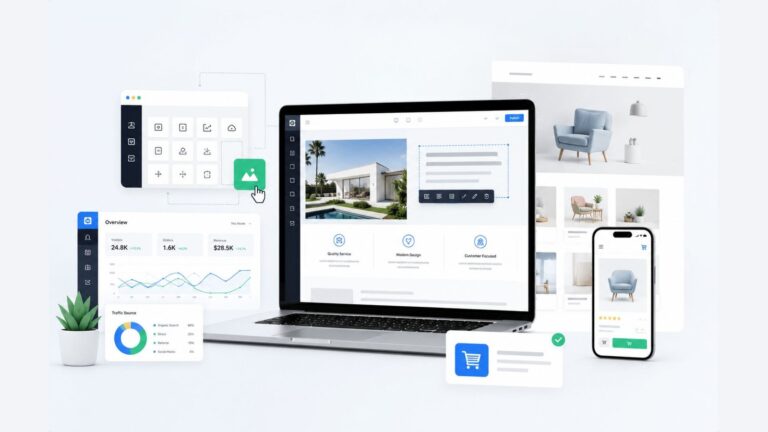
Elementor is one of the most popular WordPress page builder plugins.
It allows users to create professional website layouts using drag-and-drop editing.
Key Features
- Visual page builder
- Responsive editing
- Prebuilt templates
- Advanced design controls
- Custom layouts
Why It’s Useful
Elementor makes website design much easier, especially for beginners and freelancers.
Best For
- Business websites
- Landing pages
- Portfolios
- Blogs
2. Rank Math SEO
Rank Math is one of the best SEO plugins for WordPress websites.
It helps improve search engine optimization by providing advanced SEO tools directly inside the WordPress dashboard.
Key Features
- Meta title optimization
- XML sitemaps
- Schema markup
- SEO scoring
- Keyword optimization
Why It’s Useful
Rank Math helps websites rank better on search engines.
Best For
- Bloggers
- Business websites
- SEO optimization
3. LiteSpeed Cache
Website speed is extremely important for SEO and user experience.
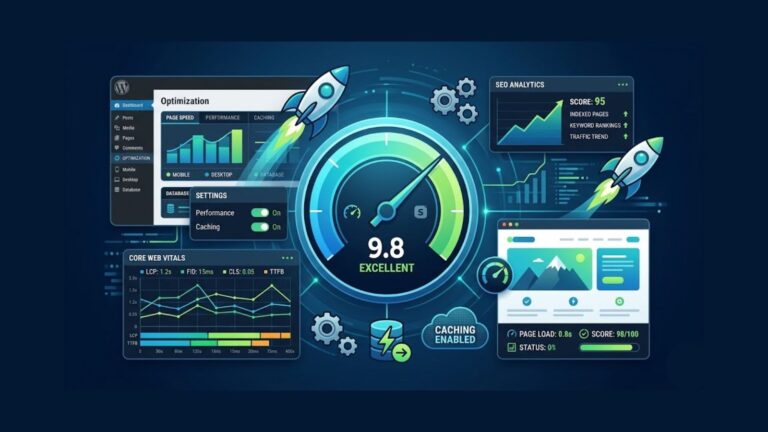
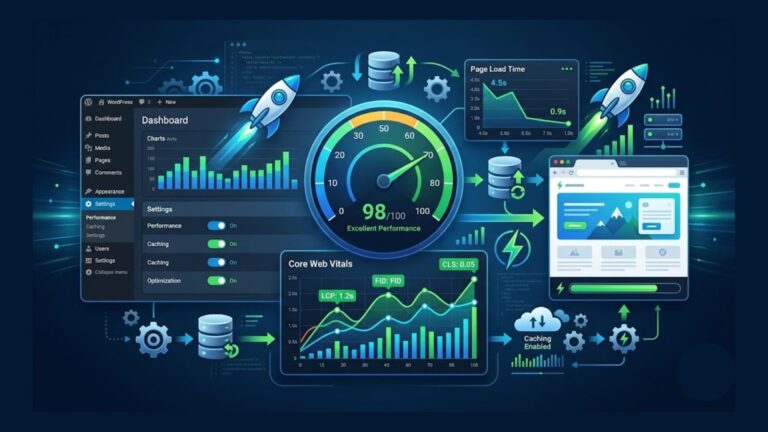
LiteSpeed Cache is one of the best performance optimization plugins available for WordPress.
Key Features
- Page caching
- Image optimization
- CSS and JavaScript minification
- Database optimization
- CDN support
Why It’s Useful
It significantly improves website loading speed.
Best For
- Fast-loading websites
- Performance optimization
4. Wordfence Security
Security should always be a priority for WordPress websites.
Wordfence helps protect websites from hackers, malware, and suspicious traffic.
Key Features
- Firewall protection
- Malware scanning
- Login security
- Live traffic monitoring
- Security alerts
Why It’s Useful
It helps keep websites secure and protected from attacks.
Best For
- Business websites
- Blogs
- eCommerce websites
5. UpdraftPlus
Website backups are essential for protecting website data.
UpdraftPlus allows users to create automatic backups and restore websites easily.
Key Features
- Scheduled backups
- Cloud storage integration
- One-click restore
- Automatic backup system
Why It’s Useful
It protects websites from data loss and technical issues.
6. WPForms
WPForms is a beginner-friendly contact form plugin.
It allows users to create professional forms without coding.
Key Features
- Drag-and-drop form builder
- Contact forms
- Newsletter forms
- Payment forms
- Mobile responsive forms
Why It’s Useful
Forms help improve communication with website visitors.
7. Smush
Images often slow down websites when they are not optimized properly.
Smush helps compress and optimize images automatically.
Key Features
- Image compression
- Lazy loading
- Bulk optimization
- Performance improvements
Why It’s Useful
It improves website speed while maintaining image quality.
8. WooCommerce
WooCommerce transforms WordPress into a powerful eCommerce platform.
It is one of the most popular online store solutions worldwide.
Key Features
- Product management
- Payment integration
- Inventory management
- Shipping settings
- Store customization
Why It’s Useful
WooCommerce allows users to build online stores directly inside WordPress.
9. Redirection
Broken links can negatively affect SEO and user experience.
The Redirection plugin helps manage redirects easily.
Key Features
- 301 redirects
- Error tracking
- URL management
- Broken link monitoring
Why It’s Useful
It helps maintain SEO health and improve website navigation.
10. MonsterInsights
MonsterInsights connects Google Analytics with WordPress.
It helps website owners track visitor behavior and performance.
Key Features
- Analytics dashboard
- Traffic reports
- User tracking
- Conversion tracking
Why It’s Useful
Understanding visitor behavior helps improve website growth.
Should You Install Too Many Plugins?
One of the biggest mistakes beginners make is installing too many plugins.
Too many plugins can:
- Slow down websites
- Create security risks
- Cause plugin conflicts
- Increase maintenance issues
Only install plugins that are truly necessary.
How to Choose Good WordPress Plugins
Before installing a plugin, check:
- User reviews
- Last update date
- Active installations
- Developer reputation
- Compatibility with your WordPress version
Reliable plugins are updated regularly and have strong community support.
Free vs Premium Plugins
Many free plugins are excellent for beginners.
Premium plugins usually offer:
- More advanced features
- Better support
- Additional customization
- Improved performance
For most beginners, free plugins are enough initially.
Essential Plugin Setup for Beginners
A good beginner setup may include:
- Elementor
- Rank Math
- LiteSpeed Cache
- Wordfence
- UpdraftPlus
- WPForms
This combination covers:
- Design
- SEO
- Speed
- Security
- Backups
- Forms
Final Thoughts
WordPress plugins make website management easier, faster, and more powerful. The right plugins can improve SEO, performance, security, and user experience without requiring coding knowledge.
However, quality matters more than quantity. Instead of installing dozens of unnecessary plugins, focus on trusted tools that provide real value.
A well-optimized plugin setup helps create a faster, safer, and more professional WordPress website in 2026.